




Logo

AIタトゥー試着

体の写真をアップロードして、AIでリアルなタトゥーの配置をプレビュー。本物のインクを入れる前に、さまざまなデザイン、スタイル、位置を試せます。
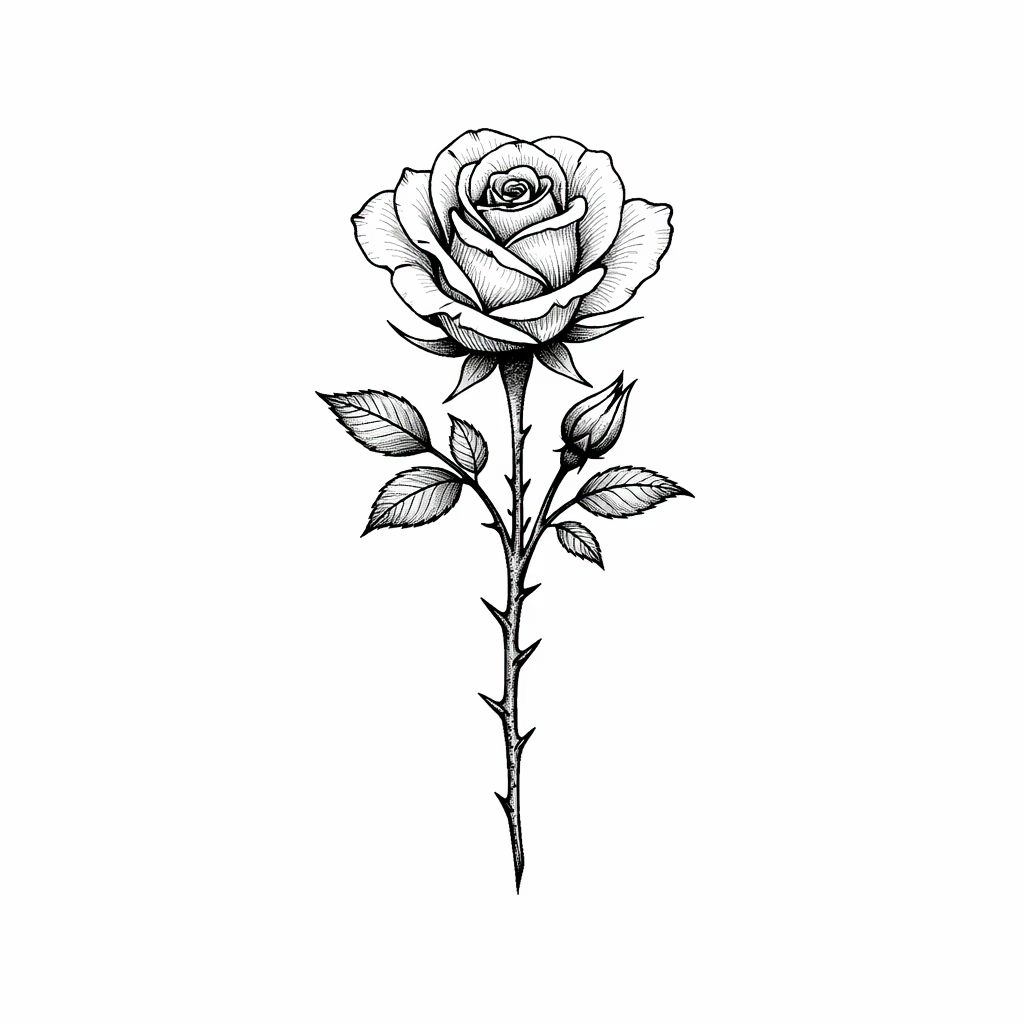
タトゥーデザイン*
ボディ写真(任意)
0 / 500

AI Tattoo Try-On Gallery

See how AI applies tattoo designs onto real body photos. Compare original photos with tattoo preview results across different body placements.

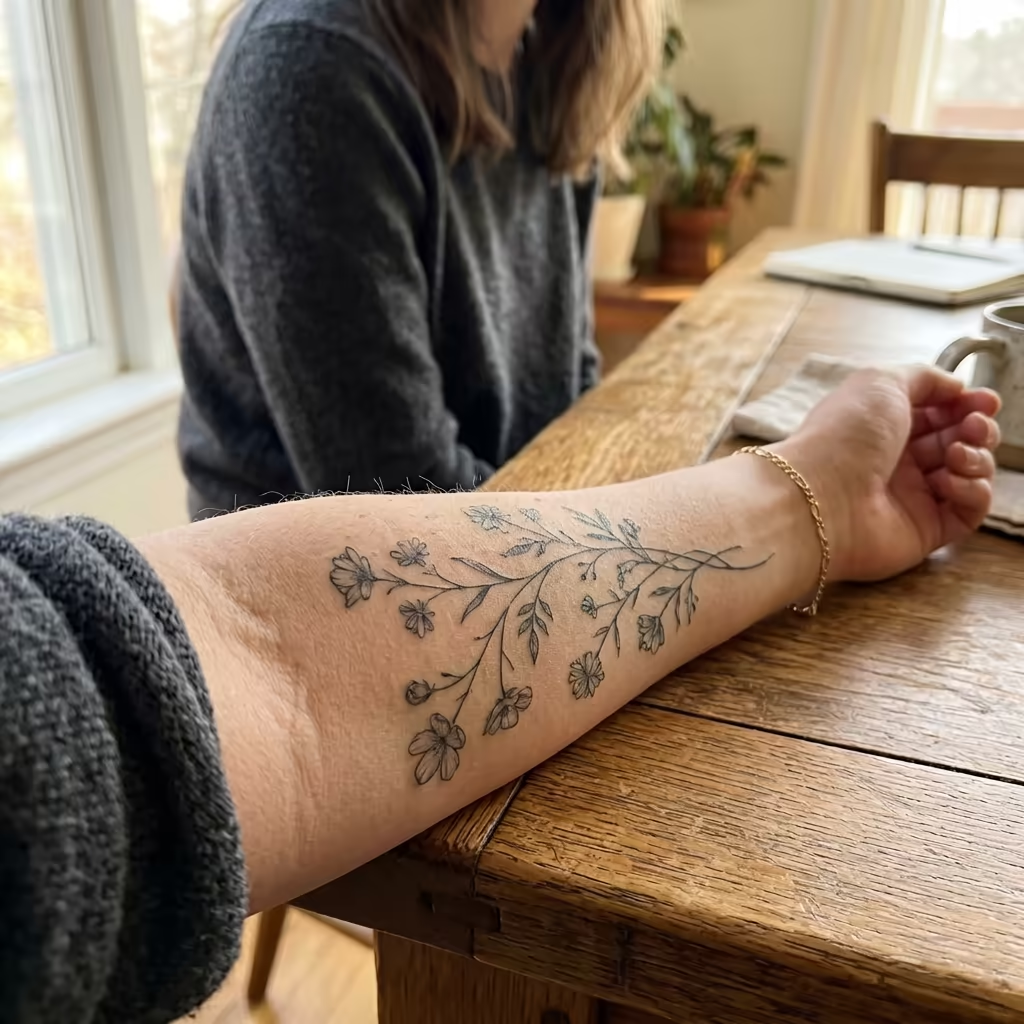
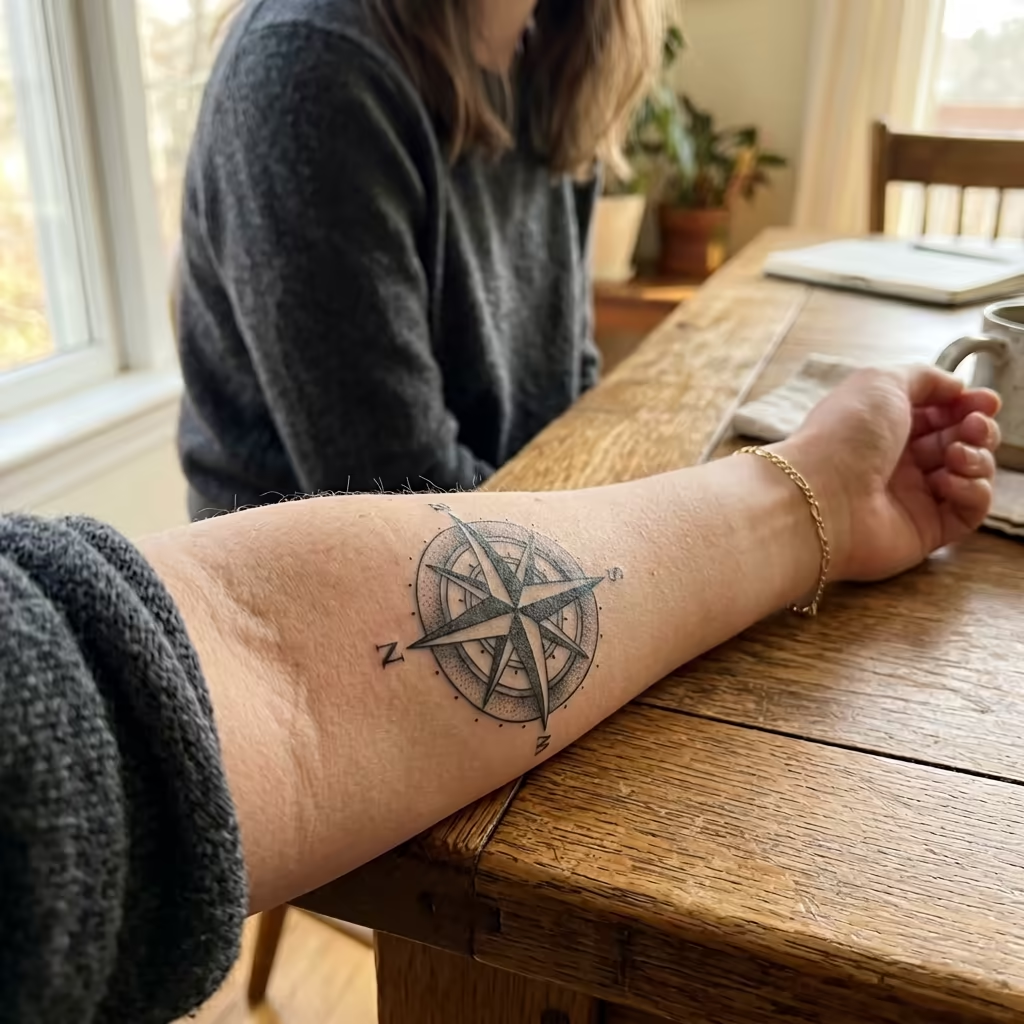
Inner Forearm Tattoo Preview
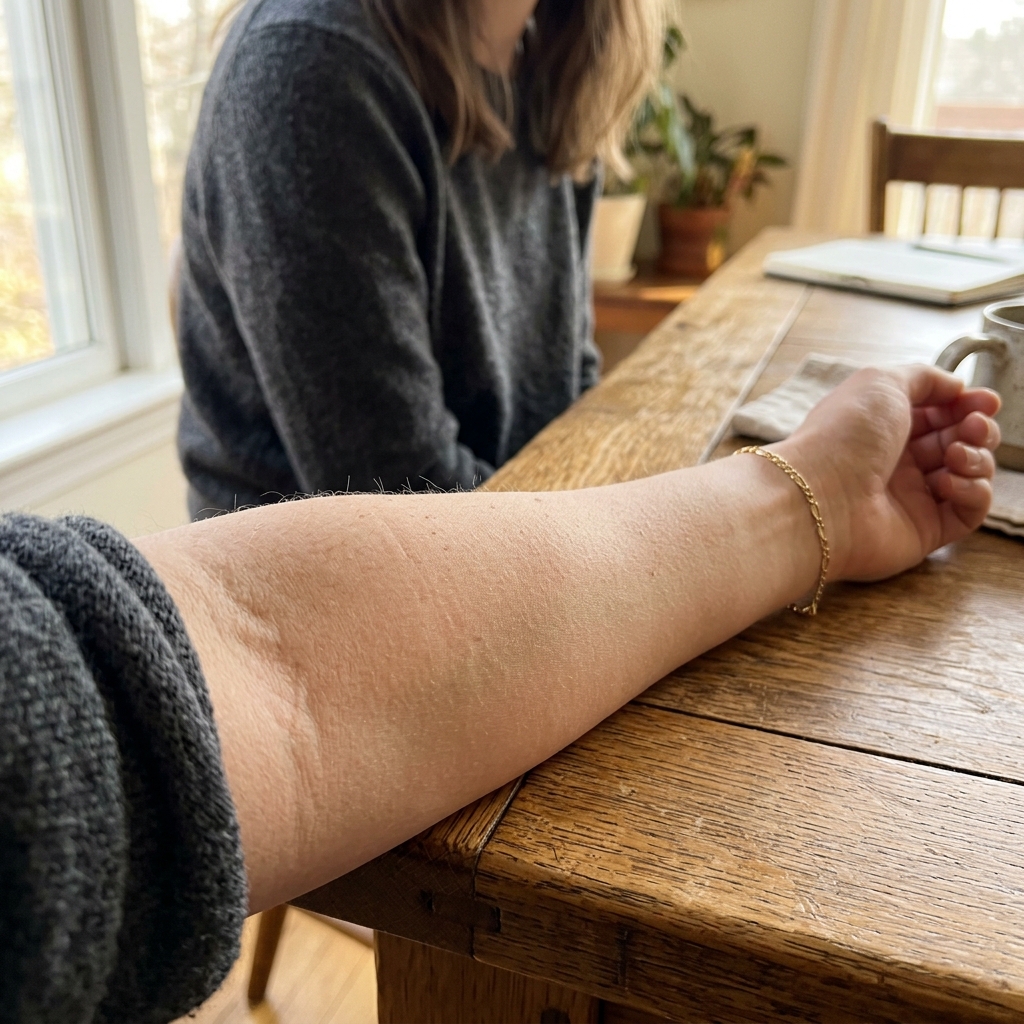
Forearm - Original
Original
Forearm - Botanical Vine Tattoo
Botanical Vine
Forearm - Compass Rose Tattoo
Compass Rose

Botanical vine and compass rose tattoos applied to a woman's inner forearm

How to Use AI Tattoo Try-On

Preview tattoos on your body in four simple steps

1

Upload Tattoo Design

Upload the tattoo design you want to preview. This can be a design you created, downloaded, or generated with our AI Tattoo Generator. Supported formats include JPEG and PNG.

2

Upload Body Photo (Optional)

Optionally upload a photo of yourself or the body area where you want the tattoo placed. If no body photo is provided, the AI will generate a realistic body preview automatically.

3

Choose Placement & Settings

Select the body placement area such as forearm, upper arm, back, chest, shoulder, or leg. Adjust size and orientation to match your desired tattoo placement.

4

Generate Preview

Click generate to see a realistic preview of how the tattoo will look on the body. The AI blends the design naturally with skin tone, contours, and lighting for a lifelike result.

AI Tattoo Try-On FAQ

No, the body photo is optional. If you don't upload one, the AI will generate a realistic body model to showcase your tattoo design. However, uploading your own photo gives you a more personalized and accurate preview of how the tattoo will look on your specific body.
You can preview tattoos on various body areas including forearm, upper arm, shoulder, back, chest, ribcage, leg, thigh, calf, ankle, wrist, neck, and hand. The AI adapts the design to fit the natural contours of each body area.
The AI produces highly realistic previews by accounting for skin tone, body contours, lighting conditions, and natural skin texture. The tattoo design is blended seamlessly onto the skin, showing how it would actually appear after being tattooed.
Yes, your privacy is our priority. Uploaded photos are processed securely and are not shared with third parties. Photos are used solely for generating your tattoo preview and are handled according to our privacy policy.
Yes! You can upload different tattoo designs and generate multiple previews on the same body area to compare how each design looks. This helps you make an informed decision before committing to a real tattoo.
We support JPEG and PNG formats for both tattoo designs and body photos. For best results with tattoo designs, use images with transparent or white backgrounds so the AI can cleanly isolate the design.

料金

あなたに合ったプランを選んでください。隠れた料金や予期せぬ費用はありません。

無料

購入前にお試し

0
一回限り
USD
無料
32クレジット
最大 32
最大 5
透かしなし
商用利用
プライベートタスク
人気

Pro

プロフェッショナルとチーム向け

39.99
1ヶ月
USD
1K
1000クレジット1ヶ月
最大 10001ヶ月
最大 1661ヶ月
透かしなし
商用利用
プライベートタスク

Lite

初心者に最適

19.99
1ヶ月
USD
400クレジット1ヶ月
最大 4001ヶ月
最大 661ヶ月
透かしなし
商用利用
プライベートタスク